Patta Chitta Online 2026 View Land Records and Check Status
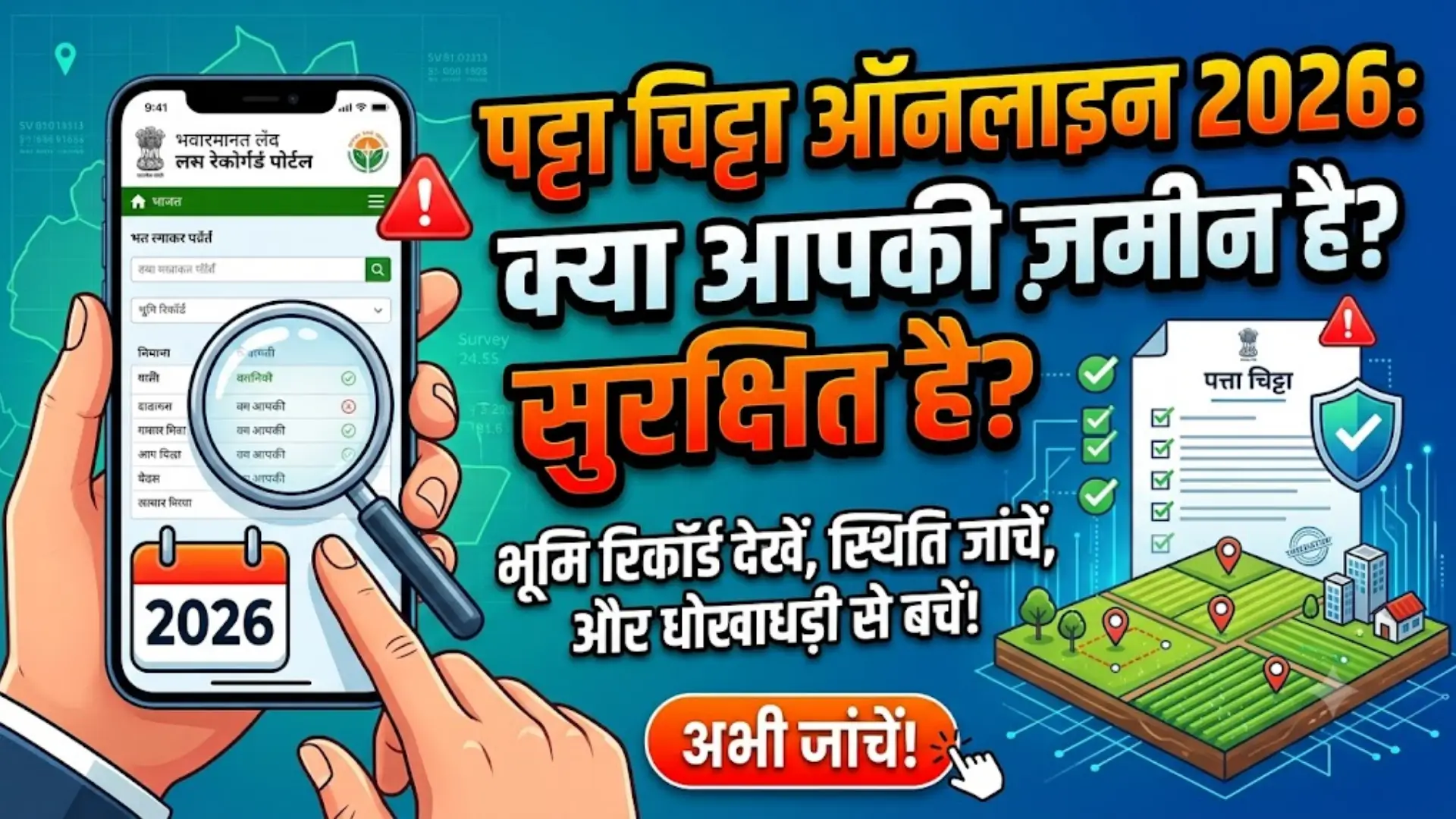
Patta Chitta Online 2026
Patta Chitta Online 2026 Buying land is a major financial decision. Before paying a seller, you should confirm whose name appears in the government record, whether the survey number matches the sale deed and how the property is classified.
Tamil Nadu residents can check much of this information through the official Patta Chitta online service. The portal allows users to view rural and urban land records, download available extracts, verify records and track Patta-related applications without visiting a revenue office for every basic enquiry.
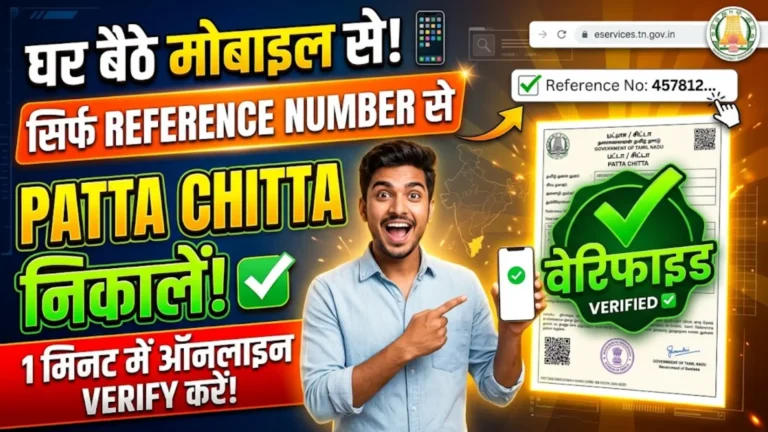
You Can Also Read: Eservices.tn.gov.in Patta Status Check 2026
What Patta Chitta Actually Shows
Patta Chitta is a common name used for Tamil Nadu land revenue records. A Patta is generally linked with the person recorded as the landholder and may show the Patta number, survey details, property location and land area.
Chitta traditionally contains information about the nature or classification of the land, such as whether it falls under a particular agricultural or revenue category. Although the records serve slightly different purposes, people commonly refer to them together as Patta Chitta or Chitta Patta.
For Pakistani readers, the process is somewhat similar to checking a land record through a provincial land record centre. A taluk performs a role similar to a tehsil, while the village, survey number and subdivision help identify the exact parcel.
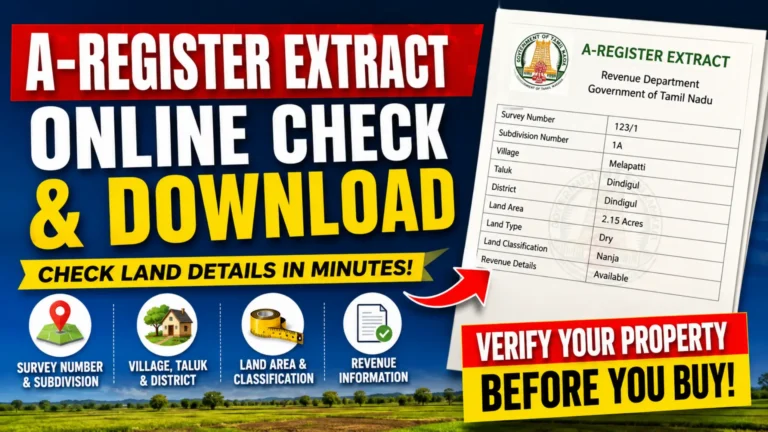
You Can Also Read: A-Register Extract Online Check Download
Details Available Through the Online Record
A Patta Chitta extract provides a basic picture of the property as it appears in the revenue database. Depending on the location and type of record, it may show the landholder’s name, district, taluk, village, Patta number, survey number, subdivision, land area and classification.
Do not focus only on the name. Survey and subdivision numbers are especially important because neighbouring plots may have similar addresses but separate legal identities. Every number should be compared with the registered sale deed and other original documents.
The online portal also offers related records for rural, Natham and urban properties.
| Online service | Main purpose | Property type |
|---|---|---|
| Patta, Chitta and FMB | View landholder, survey and revenue details | Rural and Natham |
| A-Register extract | Check area, survey and classification entries | Village and rural land |
| Patta verification | Confirm an available Patta or Chitta extract | Rural and Natham |
| Government/private land check | Review Poramboke or private-land status | Applicable land |
| FMB sketch | View field measurements and parcel layout | Rural and Natham |
| Patta order copy | View an available decision or order | Relevant applications |
| TSLR extract and sketch | Check town survey records and layout | Urban property |
| Application status | Track transfer or correction requests | Rural and urban |
Information to Collect Before Searching
Keep your original property documents nearby before opening the portal. One incorrect digit in the survey or subdivision number can produce no result or display a different property.
You may need the district, taluk, village or town, Patta number, survey number and subdivision number. Urban searches may also require ward, block or town survey details. To track an application, keep the acknowledgement or reference number ready.
The property schedule in the registered sale deed is usually the best place to find these details. Previous Patta copies and land-tax receipts may also contain useful information.
You Can Also Read: Eservices.tn.gov.in Patta Status Check
Steps to View Patta Chitta Online
Open the official Tamil Nadu eServices of Land Records portal and choose the service that matches your property. Rural and Natham landowners generally use the Patta, Chitta and FMB option, while properties within town survey areas may appear under TSLR.
Follow these steps:
- Open the official Tamil Nadu land-record portal.
- Select the relevant land-record service.
- Choose the district, taluk and village or town.
- Enter the Patta, survey and subdivision details.
- Complete the captcha or other verification shown.
- Submit the form and open the available extract.
- Compare the information with your original papers.
Check the survey number, subdivision, area, land category and location carefully. Names may appear differently when written in Tamil or English, so the property numbers often provide a more reliable match.
Downloading and Printing the Extract
When the correct record appears, use the download or print option available on the page. If there is no direct PDF button, the browser’s print feature may allow you to save the extract as a PDF.
Before saving it, make sure the district, village, survey number, subdivision and area all match the property. Also check whether the land classification agrees with what the seller or owner has claimed.
The portal states that Field Measurement Book sketches can be downloaded free through the e-service. Keep both the digital file and a printed copy, particularly when the record will be used during a property review.
You Can Also Read: Stamp Duty Made Simple Rates Registration
Tracking a Transfer or Correction Application
People who have applied for a Patta transfer, ownership update or correction can use the Application Status section. Enter the application or reference number printed on the acknowledgement slip to view the available progress.
For Patta-transfer applications filed through Common Service Centres, the government portal mentions a charge of ₹60 per application. This is an Indian rupee fee for the CSC application service.
If a request remains pending for a long period or the status message is unclear, contact the relevant revenue office or authorised service centre. Take the acknowledgement, identity document and supporting property papers with you.
Rural, Natham and Urban Records
Choosing the wrong land category is one of the most common reasons a record does not appear. Rural records usually cover village and agricultural land, while Natham is commonly associated with residential property in village areas.
Urban properties may fall under the Town Survey Land Register rather than the rural Patta system. In such cases, users should search for a TSLR extract or sketch using the relevant ward, block and town survey details.
Do not select categories randomly until something appears. Check the sale deed, older land documents or revenue records to determine whether the property is rural, Natham or urban.
You Can Also Read: Patta Chitta Online 2026
FMB, A-Register and TSLR Explained
An FMB, or Field Measurement Book sketch, shows measurement-related information about a rural or Natham parcel. It may help a buyer understand the shape, dimensions and survey layout of the land.
The A-Register is another supporting village record. It may contain the survey number, area and land classification, allowing users to compare its entries with the Patta Chitta and FMB sketch.
TSLR stands for Town Survey Land Register and applies to properties recorded under the urban survey system. These online records are helpful, but they do not replace a physical survey. A boundary dispute or measurement difference should be examined by an authorised survey professional and the relevant revenue authority.
Patta Chitta and Encumbrance Certificate Serve Different Purposes
Patta Chitta is mainly a revenue record, while an Encumbrance Certificate, commonly called an EC, provides information about registered property transactions and recorded encumbrances for a selected period.
A Patta may show the person linked with the revenue entry. An EC may show registered sales, mortgages, gifts, releases or other dealings. Neither document should be used as a complete substitute for the other.
Before buying land, compare the Patta Chitta with the current sale deed, parent documents, EC, land-tax receipts and FMB or TSLR sketch. Planning approvals and an independent legal opinion may also be necessary depending on the type and location of the property.
Checks Buyers Should Complete Before Paying
A Patta Chitta search should be treated as an early verification step, not final proof that a property is safe to purchase. The seller’s name, survey number, subdivision, land area and classification should agree with the registered documents.
The official portal also provides a facility to check whether land is recorded as government or private Poramboke land. This is important because occupation of a plot does not automatically give a person the legal right to sell it.
Before paying a token or advance, buyers should confirm:
- The seller’s identity and title documents
- The survey number, subdivision, area and boundaries
- The previous chain of ownership
- Encumbrances and registered transactions
- Road access, land use and required approvals
- Pending taxes, disputes or government classification
Do not rely only on screenshots or documents sent through WhatsApp. Check the official record yourself and ask to see the original documents.
When Owners Should Request an Update
Landowners should review the online record after a purchase, inheritance, gift, partition or family settlement. Registration of a deed does not always mean that every revenue entry has already been updated.
A transfer or correction may be required when an old owner’s name still appears, a joint owner is missing, the area is incorrect or a survey number has been subdivided. Supporting documents may include the registered deed, identity proof, tax receipts, death certificate, legal-heir papers, subdivision records or an official order, depending on the case.
Use the authorised application process rather than paying an unknown person who promises an instant change.
Be Careful With Tamil Names and Browser Translation
Tamil Nadu’s portal displays names in Unicode Tamil. Users are advised not to depend on browser translation because it may incorrectly change names, initials and village details.
An incorrect automatic translation does not necessarily mean that the original record contains an error. Check the original Tamil extract and ask a reliable Tamil reader for help where necessary.
If the original record itself contains a spelling mistake, apply for an official correction. Never edit a downloaded copy and present it as a government record.
Reasons a Record May Not Appear
A “no record found” message does not automatically mean that the land is illegal. It may result from an incorrect survey number, wrong subdivision, incorrect village selection or searching an urban property under the rural section.
Recent transfers may not appear immediately, while older records can have digitisation or classification problems. Temporary server issues may also stop the portal from loading correctly.
Recheck the details directly from the sale deed, confirm the correct land category and try again without browser translation. If the information remains unavailable, contact an authorised service centre or revenue office rather than changing numbers until an unrelated record appears.
Avoid Fake Websites and Unauthorised Agents
Search results may include private websites that resemble the official portal. Some only provide guidance, but others may demand unnecessary payments or sensitive personal information.
Use the official Tamil Nadu government domain for record searches. Never share your OTP, bank PIN, card password or other financial details with an agent claiming to provide Patta services.
Keep the acknowledgement number secure, download files only from trusted pages and obtain a receipt for any official payment. Anyone promising an immediate ownership change without registered documents and government verification should be treated with caution.
Frequently Asked Questions
Can Patta Chitta be checked online in 2026?
Yes. Tamil Nadu’s eServices portal provides facilities to view and verify Patta, Chitta, FMB, A-Register and related land records.
Is Chitta Patta different from Patta Chitta?
No. Chitta Patta is usually just a reversed search term used for the same group of Tamil Nadu land records.
Can I download a Patta Chitta copy?
You can view the available extract and use the download or print facility provided for that service.
Is an FMB sketch free?
The official portal states that Field Measurement Book sketches can be downloaded free through the e-service.
How do I check my application status?
Open the Application Status service and enter the application or acknowledgement number.
Why is my survey number not showing a result?
The village, subdivision or property category may be incorrect, or the property may be listed under TSLR rather than rural records.
What record should an urban owner check?
Urban owners may need a TSLR extract or TSLR sketch instead of the rural Patta Chitta service.
Is Patta Chitta enough before buying land?
No. It should be checked with the sale deed, parent documents, EC, tax receipts, boundaries, approvals and legal opinion.
Are Patta Chitta and EC the same?
No. Patta Chitta contains revenue-related land information, while an EC shows registered transactions and recorded encumbrances.
Can an agent update Patta immediately?
No genuine agent can bypass the required documents and official verification process.
Final Check
Patta Chitta Online 2026 makes it easier to view Tamil Nadu land records, download available extracts and track applications. Enter the correct property details and compare the online information with the original documents.
Before buying land, also check the sale deed, Encumbrance Certificate, ownership history, tax records, classification, measurements and approvals, and seek legal advice before making the final payment.